How To Use The Terminal In VS Code
Learn how to use the VS Code terminal, select a shell, check your working directory, execute a Python script and solve common beginner errors.
Beginner-friendly code editors, Git, terminals and developer tools.

Learn how to use the VS Code terminal, select a shell, check your working directory, execute a Python script and solve common beginner errors.

Fix the pip command not found error on Windows, macOS or Linux. Identify the correct Python interpreter, resolve missing pip and PATH issues, use virtual environments and practice a tested offline repair.

Compare Docker images and containers, understand filesystem layers and runtime state, and explore documentation-checked examples of container lifecycles and persistent volumes.
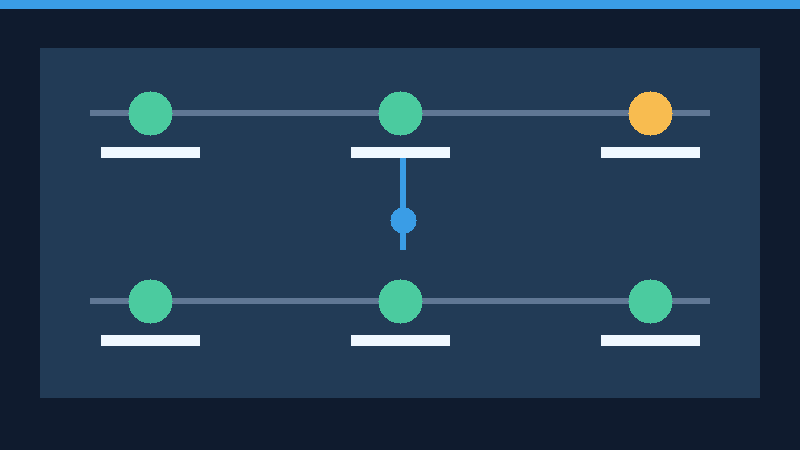
Learn the difference between git fetch and git pull, examine remote-tracking branches, and practice safe fast-forward and divergent-history workflows in a reproducible local repository.

Choose practical VS Code extensions for formatting, linting, Git and web development, while minimizing unnecessary add-ons and security risks.
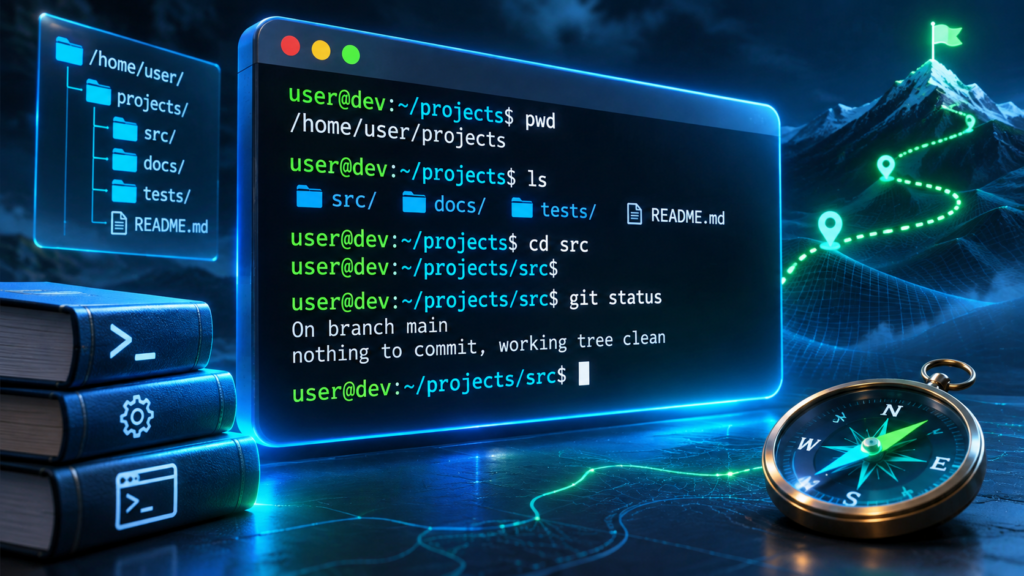
A practical handbook for developers covering editors, terminals, Git, dependencies, containers, APIs, databases, testing and safe workflows.
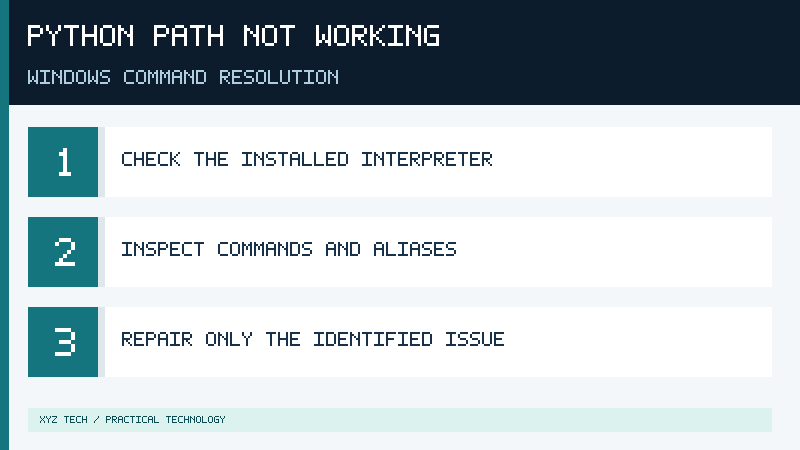
Diagnose Python PATH problems on Windows, check execution aliases and competing interpreters, repair command resolution and verify your project safely.
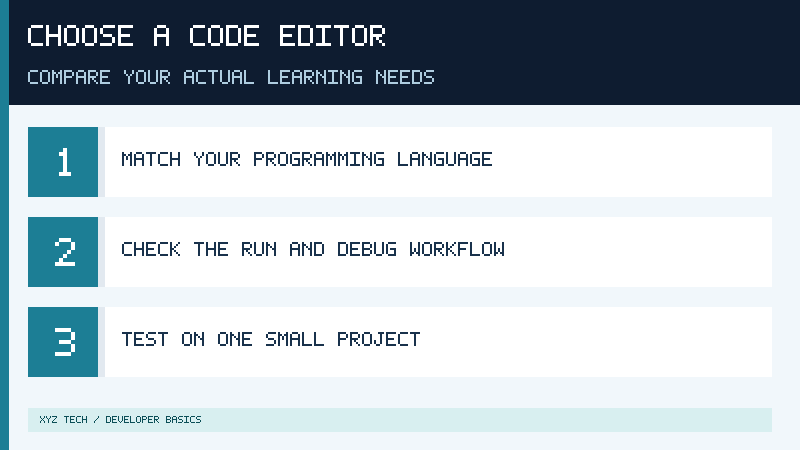
Compare five beginner code editors and Python IDEs by language support, workflow, ease of learning and a practical test project.

Learn the difference between Git and GitHub with practical beginner examples of commits, branches, merges, remote repositories and secure collaboration.
Set up Visual Studio Code on Windows, create a workspace, install language extensions, select a Python interpreter, and run your first program.