Best Backup Software For Windows: How To Compare And Choose
Compare five Windows backup options for personal files, system imaging and local or cloud recovery. Choose a suitable tool and plan a tested, independent backup strategy.
Account, software and device security best practices for everyday users.

Compare five Windows backup options for personal files, system imaging and local or cloud recovery. Choose a suitable tool and plan a tested, independent backup strategy.
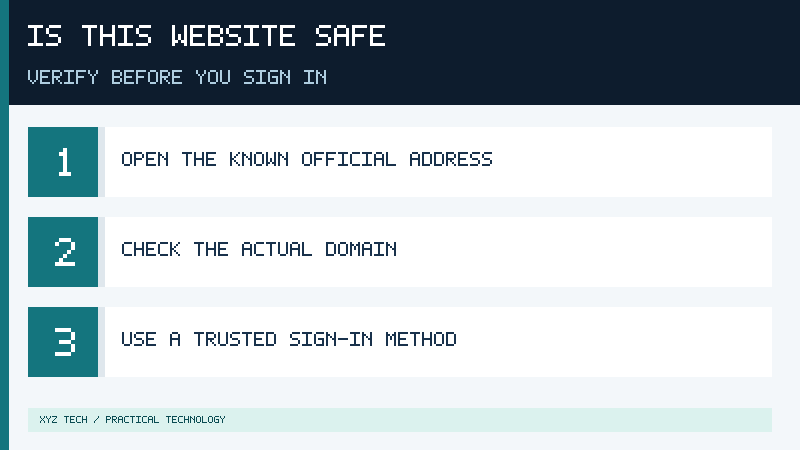
Learn how to check a website before entering a password, verify the actual domain and HTTPS connection, recognize suspicious sign-ins and protect your accounts.

Recognize fake software download buttons, verify genuine publishers and installation files, understand security warnings, and respond safely to suspicious downloads.

Recover a hacked email account, remove unauthorized sessions and forwarding rules, protect linked accounts, and warn contacts safely.

Secure your home Wi-Fi router with strong credentials, WPA3 or WPA2-AES, supported updates and safe guest-network settings.

Find the matching BitLocker recovery key using official account lookup pages, authorized organizational support, saved files and printouts. Understand why recovery prompts occur and avoid unnecessary data loss.

Learn how to back up and verify personal files, application data, cloud folders and BitLocker recovery information before resetting Windows.

Compare passkeys and passwords, understand phishing resistance, and learn how to set up and recover passkeys without losing access to your accounts.

Learn how to check Windows Security, enable approved real-time protection, choose a Microsoft Defender scan and review results safely.

Learn how password managers protect credentials, generate unique passwords, support passkeys, and help you plan secure account recovery.