What Is A Web Browser? How Browsers And Websites Work
Learn what a web browser does, how it loads websites, and how browser engines, cookies, cache, privacy and security work.
Plain-language explanations of technology concepts and terminology.

Learn what a web browser does, how it loads websites, and how browser engines, cookies, cache, privacy and security work.
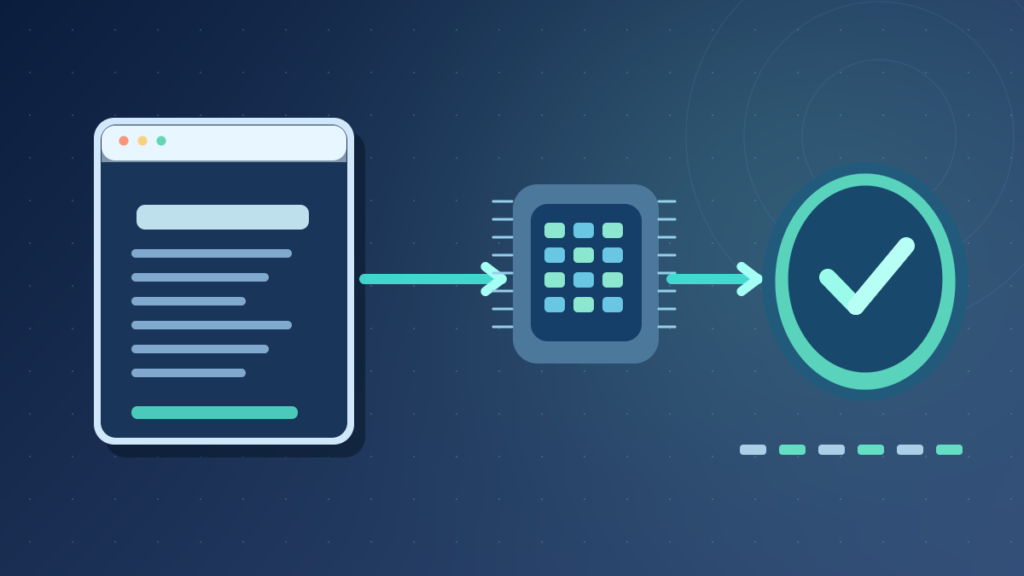
Learn what checksums are, how SHA-256 file verification works, the difference between CRC and cryptographic hashes, and safe Windows, Mac and Linux commands.

Learn what a disk partition is, how GPT and MBR differ, why Windows has EFI and recovery partitions, and how to inspect storage without risking data.

Understand what a default gateway does, the difference from DNS, how default routes work, and safe ways to check the gateway on Windows, Mac and Linux.

Incremental vs differential backup explained with a worked five-day example, restore dependencies, RPO and RTO, retention, ransomware protection and recovery tests.

MAC address vs IP address explained with Ethernet frames, local network routing, IPv4 ARP, IPv6 Neighbor Discovery, privacy and safe address checks.

What is an operating system kernel? Learn user mode, system calls, scheduling, virtual memory, hardware drivers, kernel architectures and security.

Learn what a hyperlink is, how URLs and HTML anchors work, internal versus external links, accessibility, safe link checking and common link errors.
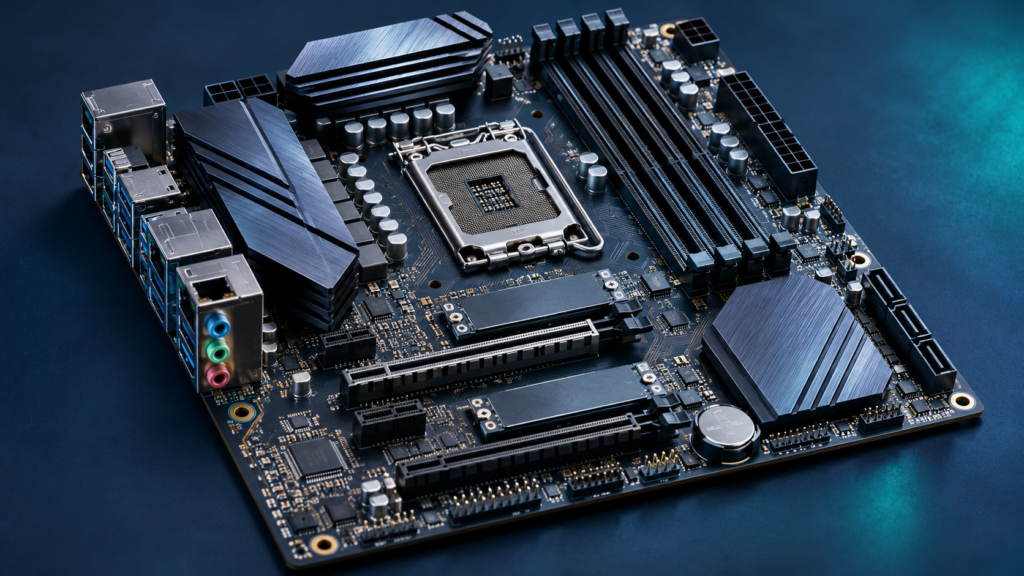
What is a motherboard? Learn the CPU socket, RAM slots, chipset, PCIe, M.2, power delivery, form factors and safe compatibility checks for desktop PCs.
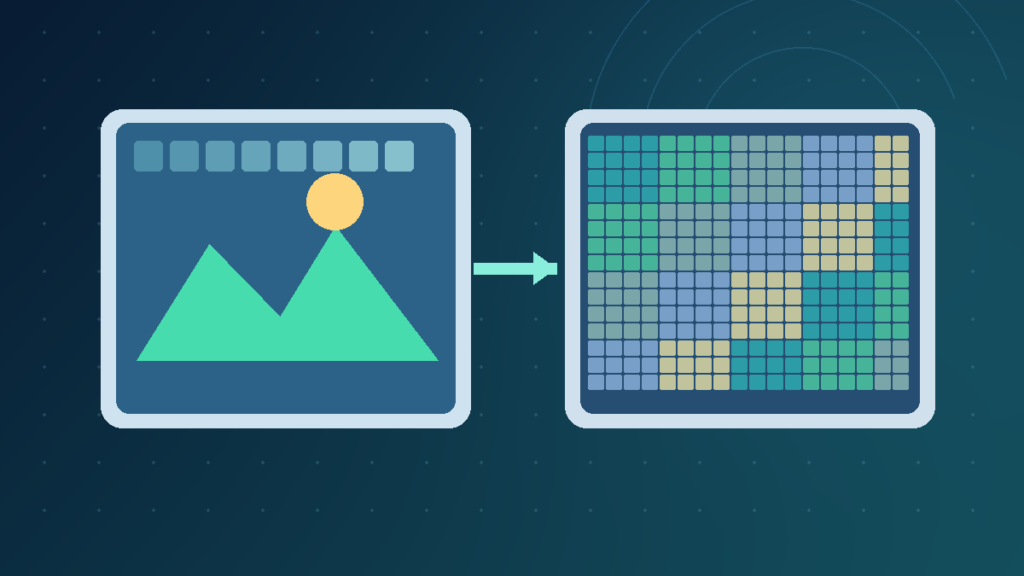
Quick Answer Lossless compression allows exact recovery of the encoded data; lossy compression saves size by discarding or approximating information. Lossless is appropriate for exact archives, screenshots and production masters. Lossy can be appropriate for photos, audio and video distribution when quality is acceptable. Understanding the difference helps you choose file types without confusing a