Stories Behind The Solutions
Explore practical technology guides, careful explanations and troubleshooting walk-throughs for real problems. Find the topic that fits, understand the steps and return whenever the next question comes up.
-

What Is Wi-Fi? How Wireless Networks, Bands, And Security Work
Understand how Wi-Fi works, why 2.4 GHz, 5 GHz and 6 GHz differ, what Wi-Fi 6 and 7 offer, how WPA3 protects networks, and how to troubleshoot slow wireless connections.
-

What Is A Modem? Types, How It Works, And Modem Vs Router
What is a modem, and how is it different from a router? Learn cable, DSL, fiber ONT, cellular and satellite equipment, safe troubleshooting, and buying advice.
-

What Is A Router? How Home Networks, Wi-Fi, And Internet Connections Work
What does a router actually do? Learn how routers connect networks, manage Wi-Fi, handle IP addresses and NAT, protect devices, and troubleshoot internet problems safely.
-
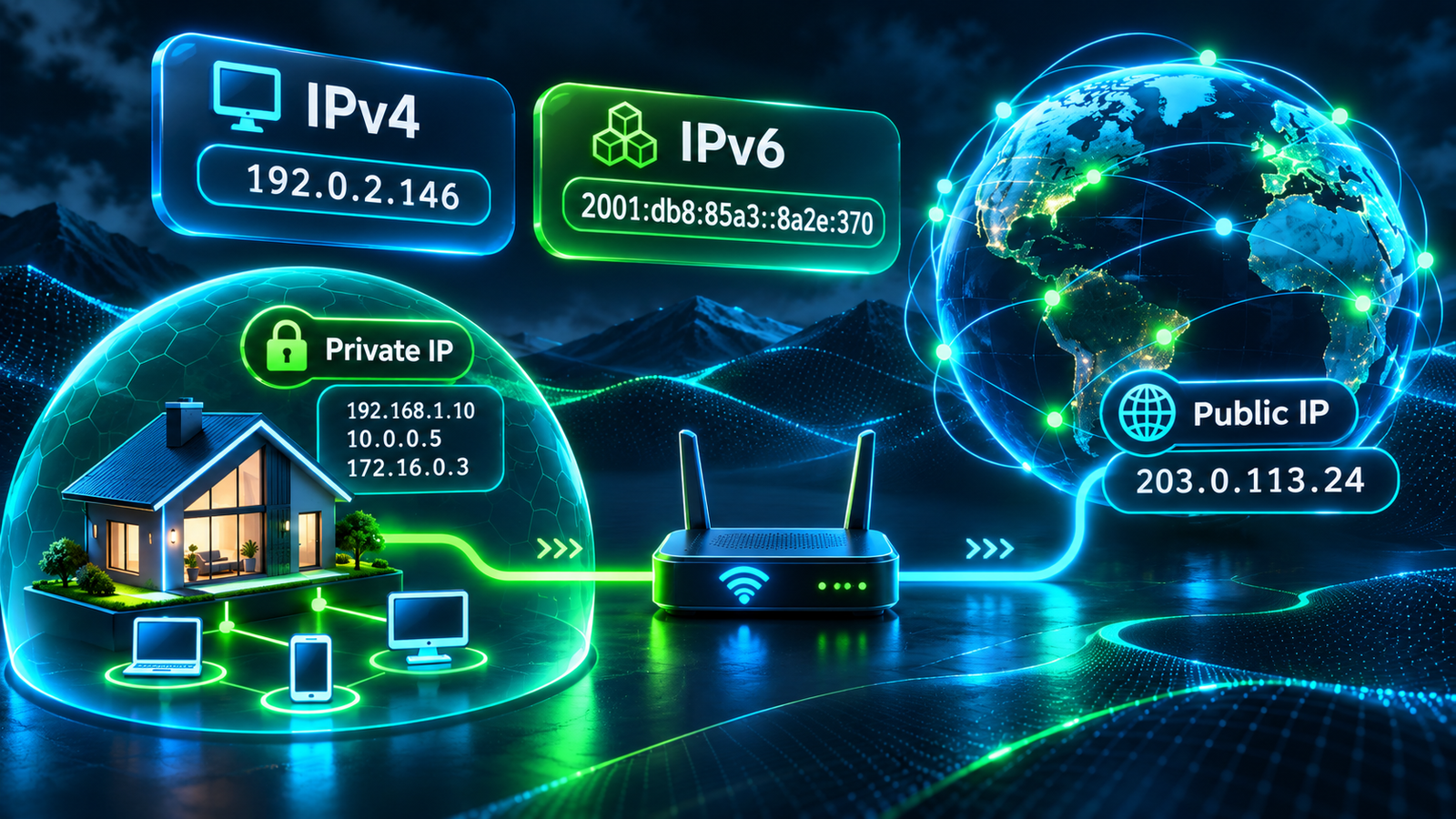
What Is An IP Address? IPv4, IPv6, Public Vs Private IPs Explained
Understand IP addresses, IPv4 versus IPv6, public and private networks, routers, DHCP, subnet masks, and safe ways to find and troubleshoot your IP address.
-
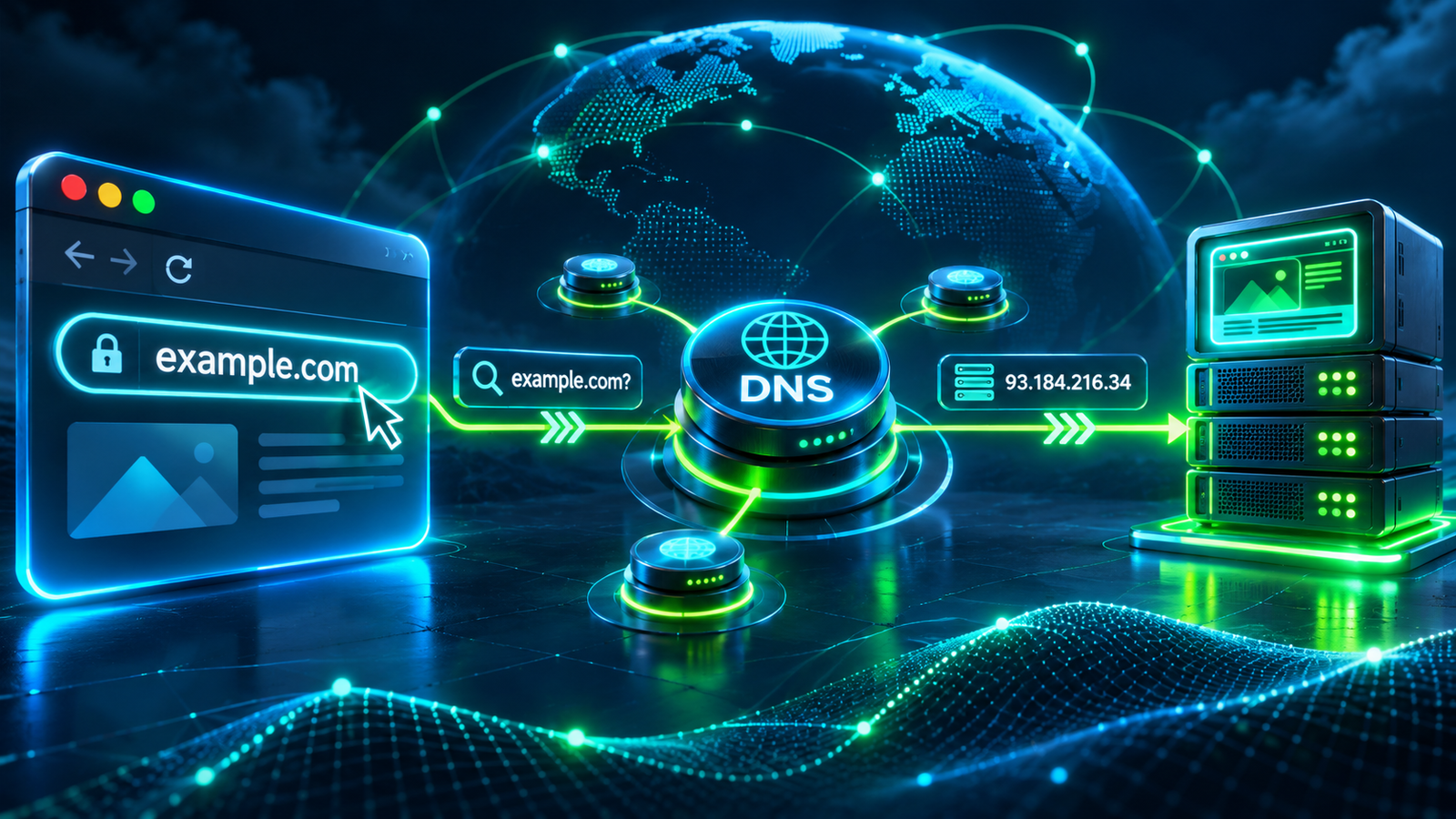
What Is DNS? How Domain Names Find Websites
Learn what DNS is, how resolvers and authoritative name servers work, what common records mean, and how to troubleshoot DNS safely on Windows, macOS, and Linux.
-
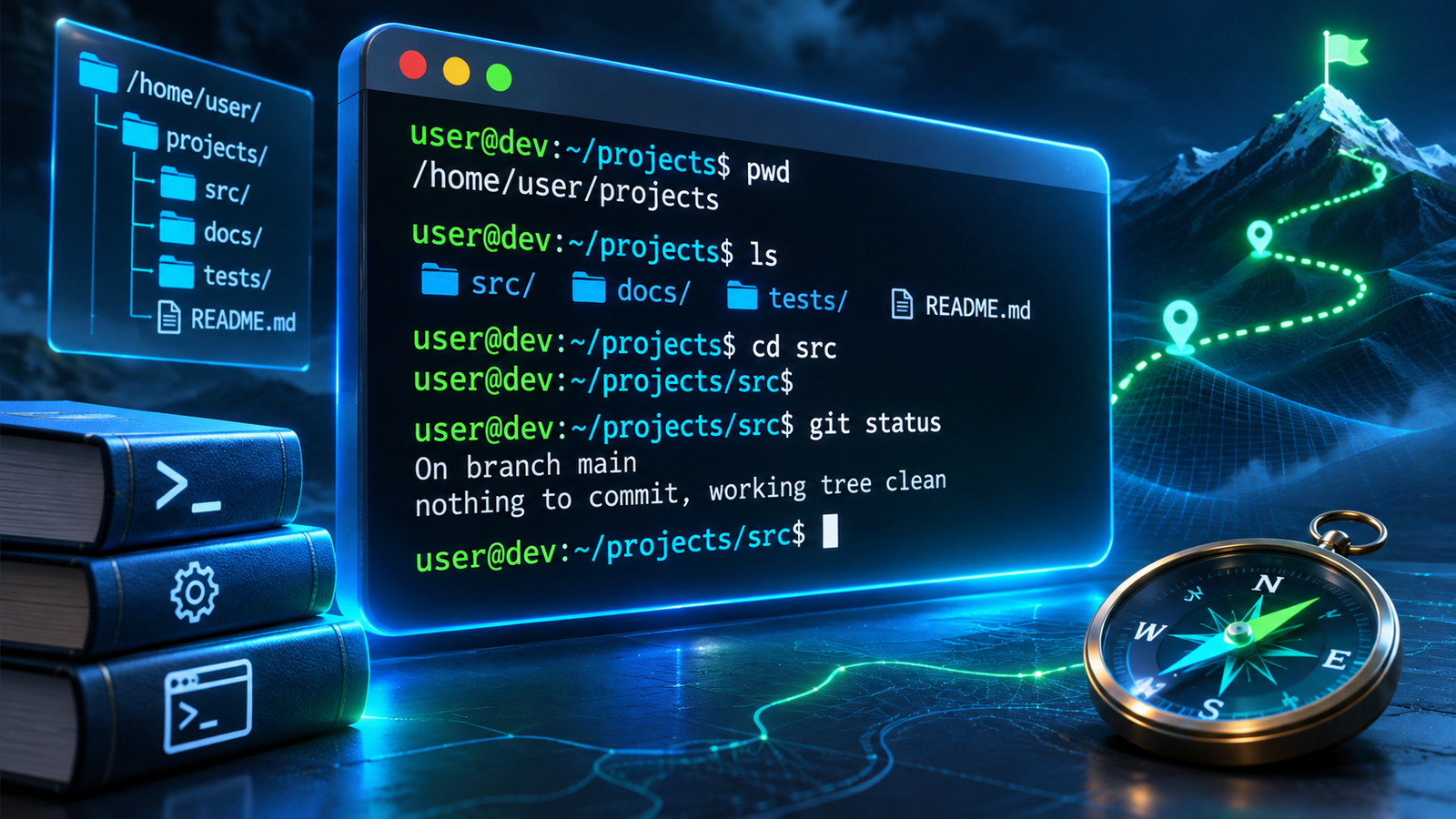
What Is A Command Line? Terminal Basics For Beginners
Learn what a command line is, how terminals and shells work, and how to use safe beginner commands on Windows, macOS, and Linux with practical examples.
-

Windows 11 Update Stuck? Safe Steps Before A Restart
Windows 11 update stuck downloading, installing, or restarting? Find out when to wait, how to diagnose the stage safely, use Microsoft troubleshooters, repair update errors, and recover from a boot loop without making things worse.
-

What Is The Cloud? How Cloud Computing, Storage, And Apps Work
Understand what the cloud means, where your files are stored, how cloud apps and servers work, and why sync is not a backup. Compare SaaS, PaaS, IaaS, local storage, and practical security considerations.
-

How To Fix A Slow Windows 11 PC Without Risky Tools
A slow Windows 11 PC does not always need a reset or a paid optimizer. Find the bottleneck with Task Manager, trim startup apps, check storage, scan safely, and decide when an SSD or memory upgrade could help.
Explore XYZ Tech
Find practical guides for the technology you use every day.
Browse Categories
- Windows & PC
- Wi-Fi & Connectivity
- Android & Mobile
- Apps & Software
- Developer Basics
- Technology Explained
- Device Security
Recent Articles
Clear Explanations Make Technology Easier
All of our published articles are free to read. When a tool, operating system or device changes, we aim to update the relevant instructions and explain meaningful corrections.