Stories Behind The Solutions
Explore practical technology guides, careful explanations and troubleshooting walk-throughs for real problems. Find the topic that fits, understand the steps and return whenever the next question comes up.
-

iPhone Won’t Turn On? Safe Power And Startup Checks
Find out why your iPhone will not start, which force-restart sequence matches your model, how to check charging, and when recovery or professional service is appropriate.
-
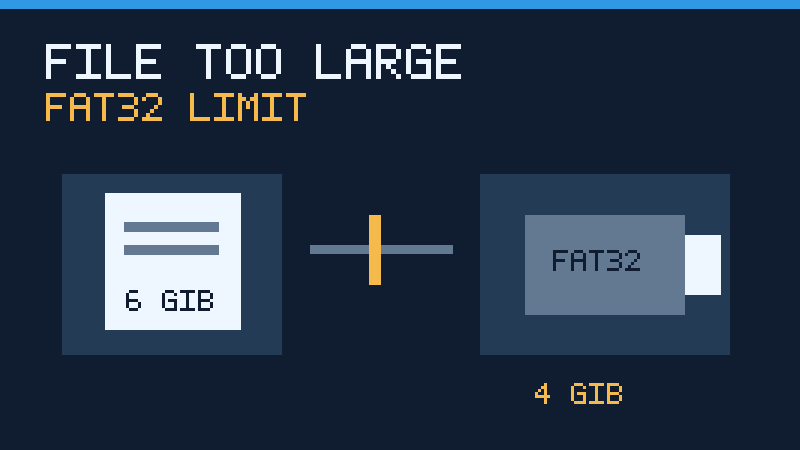
File Too Large For Destination File System
Learn why a USB drive can reject a large file despite having free space, how to identify the FAT32 limit, and how to transfer files safely using compatible storage or a verified backup.
-

Bluetooth Disappeared Windows 11
Find out why Bluetooth disappears from Windows 11 and restore it safely by checking the settings, hardware detection, power state, official drivers and device connections.
-
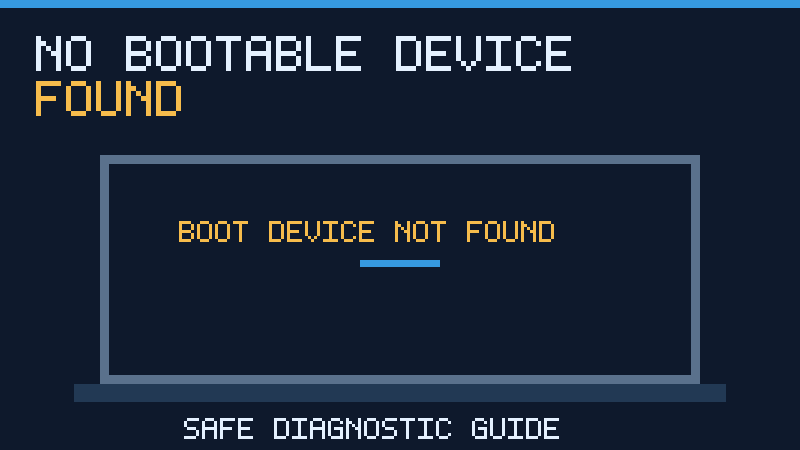
No Bootable Device Found
A no bootable device found error does not always mean a failed drive. Learn to check firmware detection, boot order, drive health and Windows recovery while protecting important files from unnecessary resets or formatting.
-
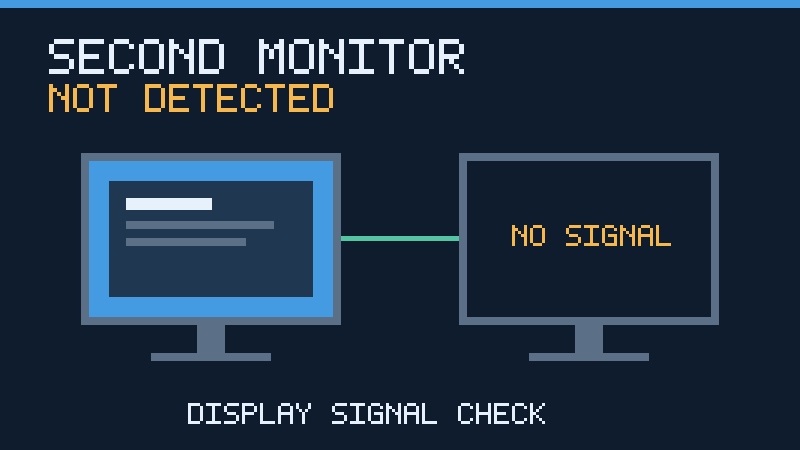
Second Monitor Not Detected Windows 11
When Windows 11 fails to recognize an external monitor, diagnose the connection in a safe order. Learn how to check monitor inputs, HDMI and USB-C cables, display settings, docks, graphics drivers and supported display modes without unnecessary system changes.
-

Best VS Code Extensions: Top Picks
Choose practical VS Code extensions for formatting, linting, Git and web development, while minimizing unnecessary add-ons and security risks.
-
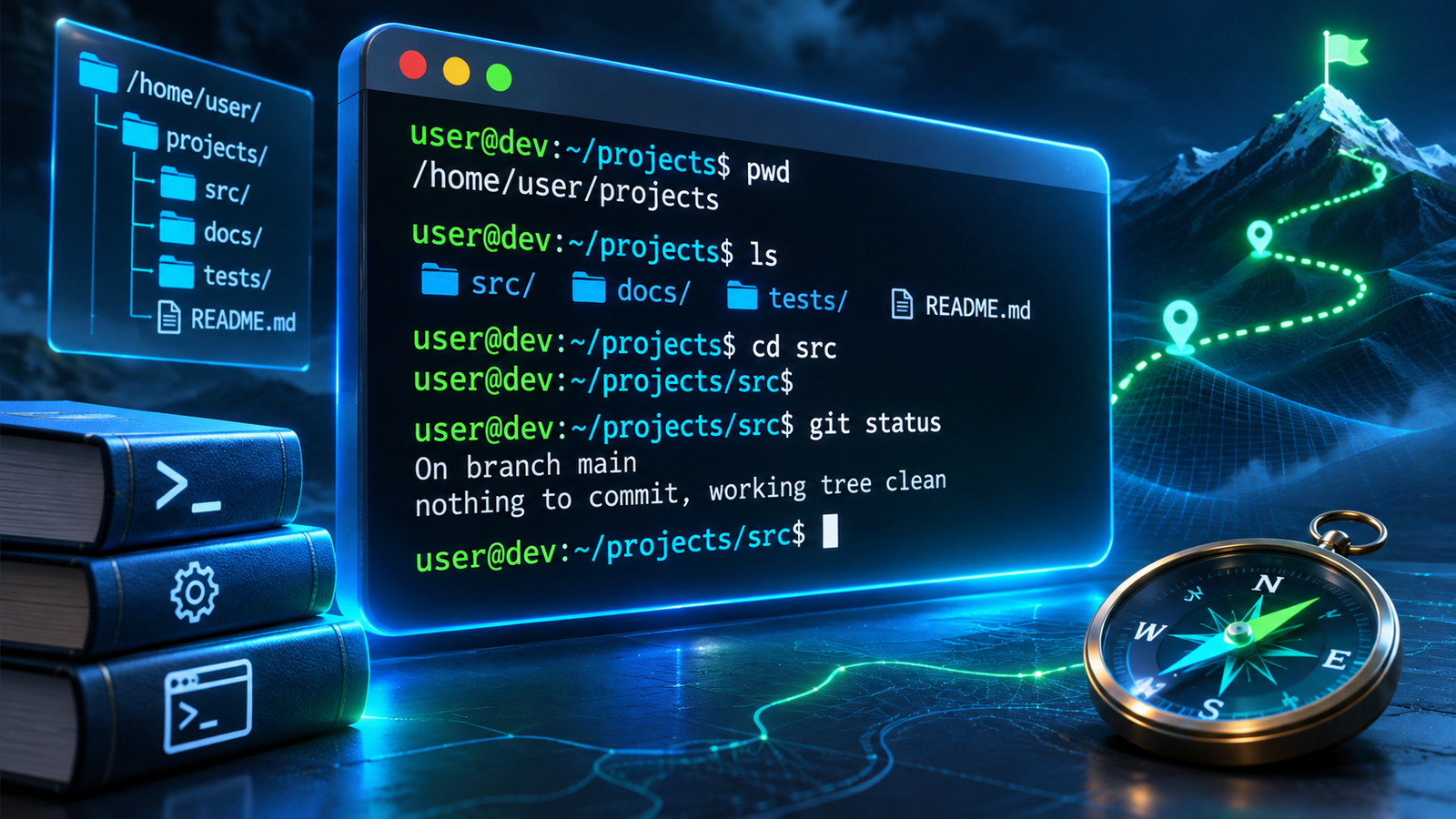
The Developer Tools Handbook: Essential Tools And Workflows
A practical handbook for developers covering editors, terminals, Git, dependencies, containers, APIs, databases, testing and safe workflows.
-

Windows 11 Slow After Update? How To Diagnose And Fix It
Diagnose Windows 11 performance problems after an update using resource checks, release health, storage, drivers and supported recovery options.
-
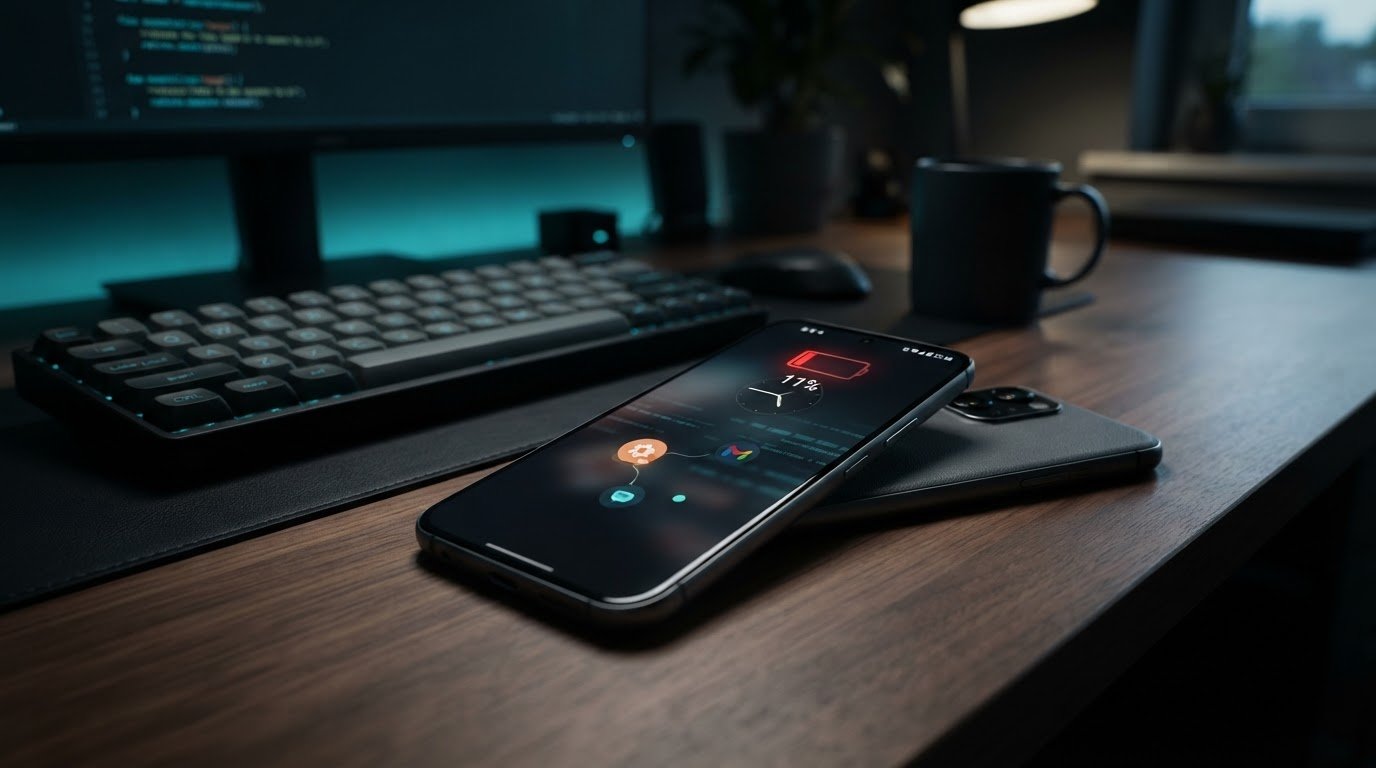
Why Is My Android Phone So Slow? Steps That Help
Diagnose a slow Android phone with practical storage, app, network, temperature and safe-mode checks before attempting a reset.
Explore XYZ Tech
Find practical guides for the technology you use every day.
Browse Categories
- Windows & PC
- Wi-Fi & Connectivity
- Android & Mobile
- Apps & Software
- Developer Basics
- Technology Explained
- Device Security
Recent Articles
Clear Explanations Make Technology Easier
All of our published articles are free to read. When a tool, operating system or device changes, we aim to update the relevant instructions and explain meaningful corrections.