Stories Behind The Solutions
Explore practical technology guides, careful explanations and troubleshooting walk-throughs for real problems. Find the topic that fits, understand the steps and return whenever the next question comes up.
-
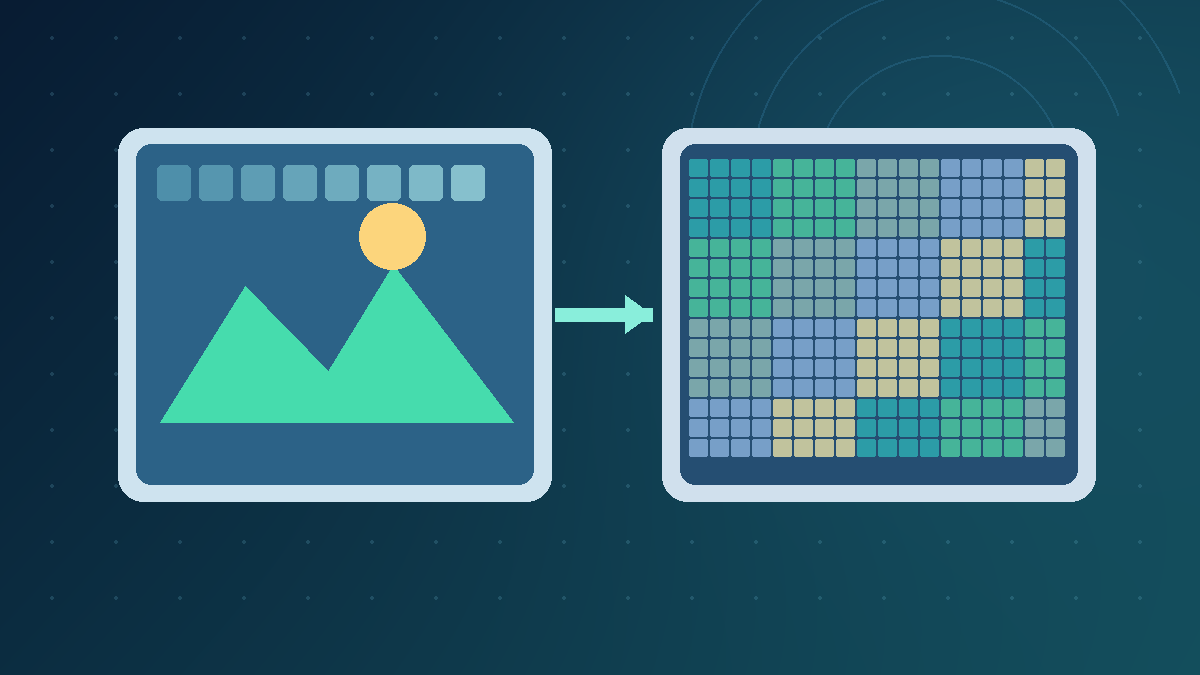
Lossless Vs Lossy Compression
Quick Answer Lossless compression allows exact recovery of the encoded data; lossy compression saves size by discarding or approximating information. Lossless is appropriate for exact archives, screenshots and production masters. Lossy can be appropriate for photos, audio and video distribution when quality is acceptable. Understanding the difference helps you choose file types without confusing a…
-
iPad External Keyboard Not Working
Fix an iPad external keyboard by identifying Smart Connector, Bluetooth or USB connection issues, checking compatibility, testing typing and following safe Apple support steps.
-

Windows 11 Touchpad Not Working
Diagnose Windows 11 touchpad problems with safe settings, device and driver checks.
-

Windows 11 Hibernate Option Missing
Fix the missing Windows 11 Hibernate option with Powercfg diagnostics, Control Panel settings, safe hibernation-file changes and verification of supported power states.
-

Mac Spotlight Search Not Working
Fix Spotlight search not working on Mac by checking shortcuts, result categories, privacy exclusions, indexing, cloud files and supported macOS diagnostic steps.
-

How To Take A Screenshot Windows 11
Learn how to take screenshots on Windows 11 with keyboard shortcuts and Snipping Tool, find saved captures, annotate images, protect private information and fix common capture problems.
-
Windows 11 File Explorer Slow
Find out why Windows 11 File Explorer is slow and isolate Home view, thumbnails, cloud files, indexing, network drives and system resource problems without unnecessary changes.
-
Remote Desktop Credentials Not Working
Diagnose Remote Desktop credential failures with a safe, evidence-led workflow covering account formats, saved credentials, NLA, user permissions and Windows logs.
-

How To Run Windows Memory Diagnostic
Run Windows Memory Diagnostic, choose Standard or Extended testing, locate results in Event Viewer or PowerShell and interpret memory errors safely.
Explore XYZ Tech
Find practical guides for the technology you use every day.
Browse Categories
- Windows & PC
- Wi-Fi & Connectivity
- Android & Mobile
- Apps & Software
- Developer Basics
- Technology Explained
- Device Security
Recent Articles
Clear Explanations Make Technology Easier
All of our published articles are free to read. When a tool, operating system or device changes, we aim to update the relevant instructions and explain meaningful corrections.